
Cut Out the Middleman with the B2B Supplier Portal
Stop playing phone tag between customers and warehouse vendors. Agentify automatically creates structured supplier tickets for order issues, giving suppliers a dedicated dashboard to resolve inquiries directly.
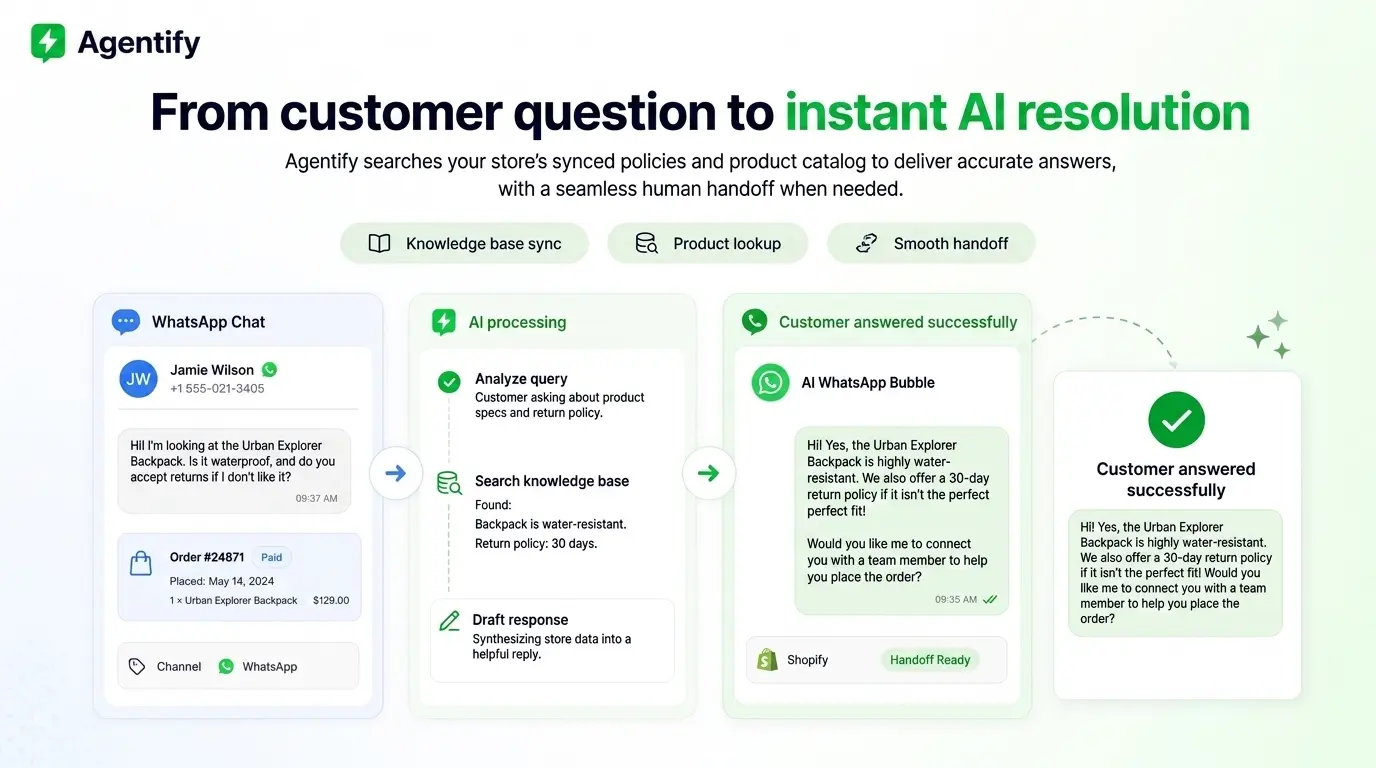
Why Top Shopify Brands Use the Supplier Portal
How the Supplier Portal Works
Four seamless steps that connect merchants, suppliers, and customers without manual friction.
1. Merchant Invites Supplier in 1 Click
Merchants generate secure connection codes (e.g. SUP-A7K3M2) or send direct email invites from their Agentify dashboard. Suppliers register for their free supplier portal account in seconds.
- Map suppliers to specific Shopify vendor aliases or catch-all stores
- Zero complex software installation for suppliers
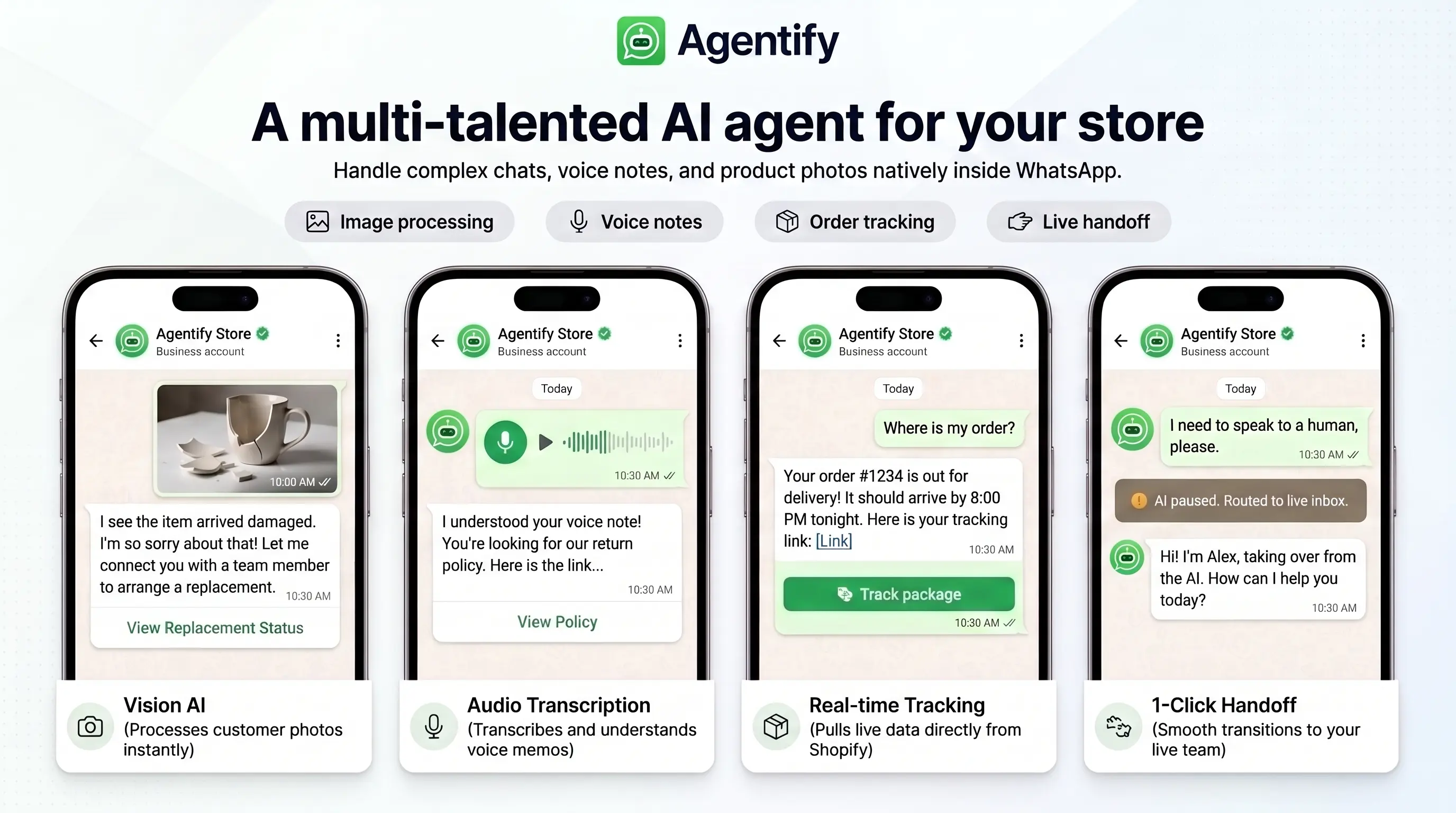
2. Automatic Order Ticket Creation
When an order issue occurs—such as a shipping delay, address confirmation, or out-of-stock item—Agentify instantly generates a structured Supplier Ticket linked to the exact Shopify order number.
- Instant push alerts and email notifications to suppliers
- Includes full order metadata, variant SKUs, and delivery addresses
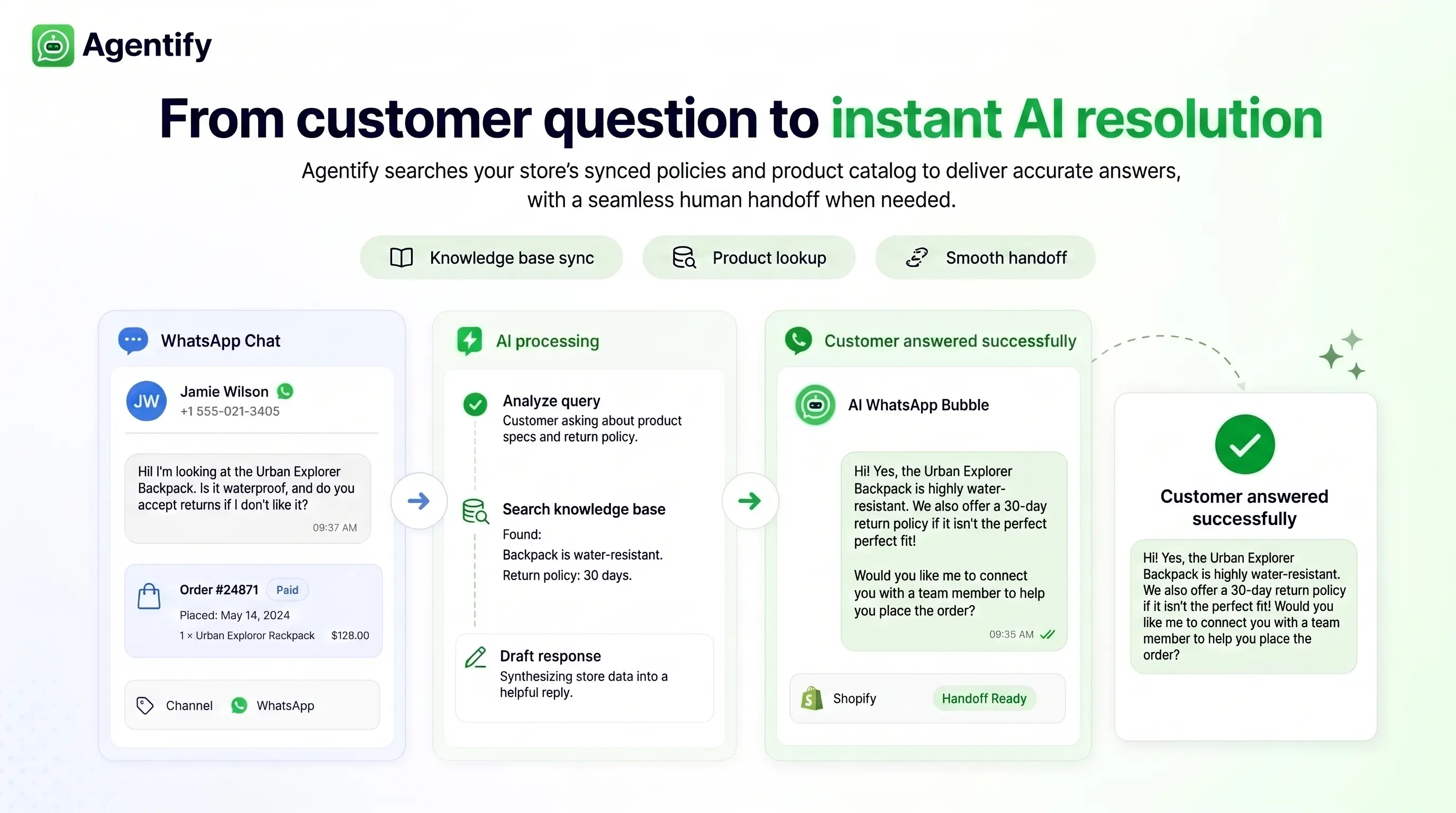
3. Dedicated Supplier Web Dashboard
Suppliers log into their clean web portal (`/supplier`) to manage all open order issues, inspect line-item details, filter by store, and mark tickets as resolved.
- Real-time tab filters (Open, Closed, All) with unread message badges
- Multi-store management for suppliers working with multiple merchants
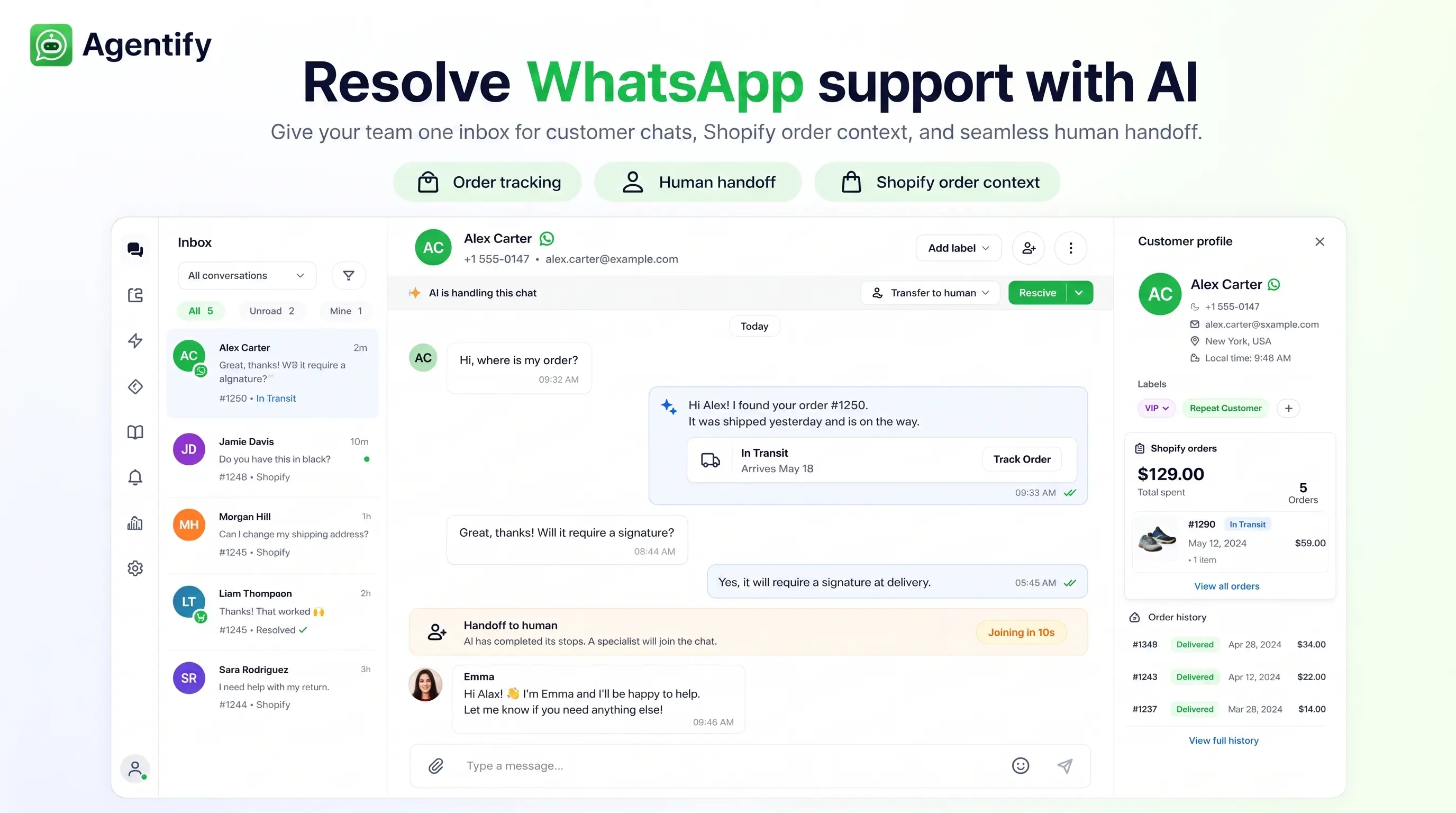
4. WhatsApp AI Customer Clarification Bridge
When a supplier needs information from the customer (e.g. confirming an address or replacement size), they ask via the portal. Agentify's AI sanitizes the question into your store's brand voice, dispatches it to the customer on WhatsApp, and streams their reply back to the supplier ticket.
- Protects customer privacy by preventing direct supplier contact
- Seamless WhatsApp customer replies update the supplier ticket live